Streamlining DNS and Email Setup for Reseller Hosting Clients: A 2026 Guide
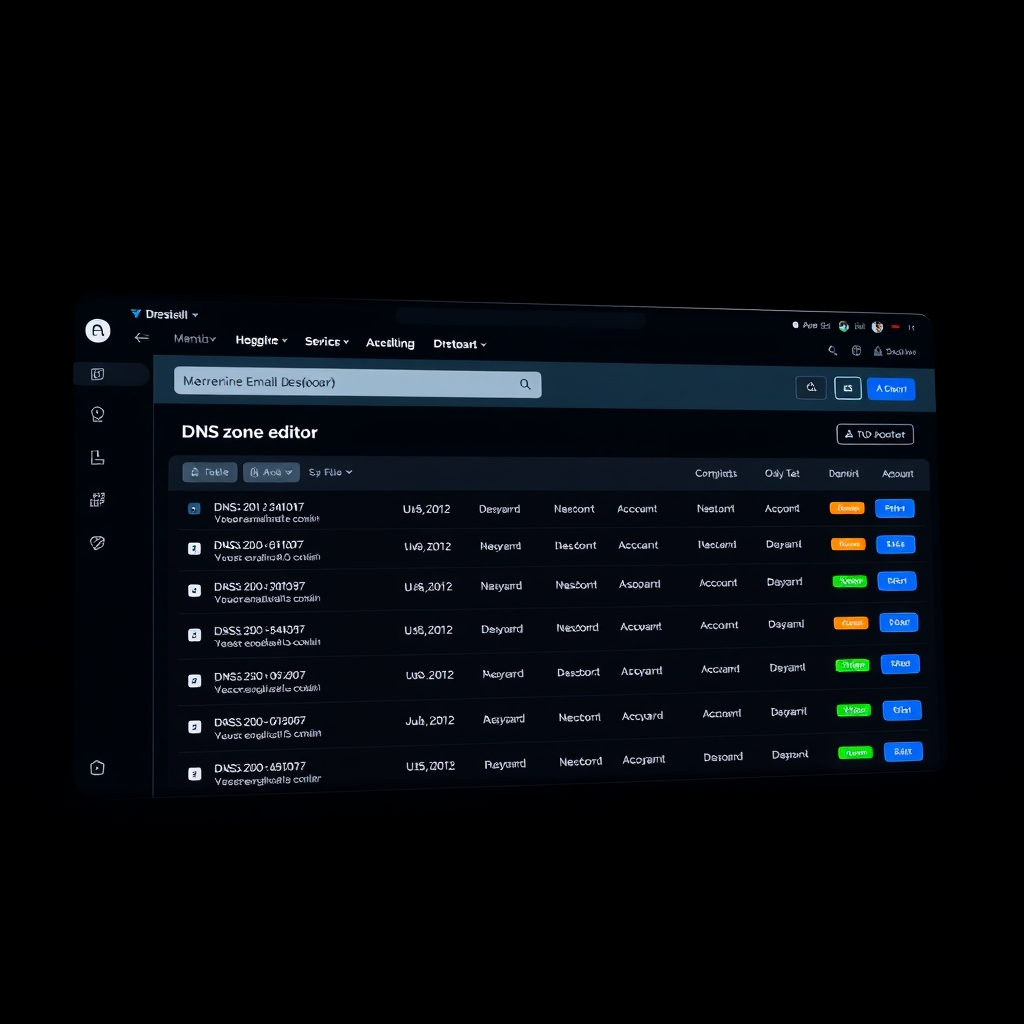
Let's be honest: DNS and email configuration is where most reseller hosting relationships go sideways. You've sold the package, set up the accounts, and then... the client can't send emails. Or their domain points to the wrong server. Suddenly you're the bad guy.
We've been there. After managing thousands of reseller accounts at IM Host, we've learned that getting DNS and email right from day one saves you hours of support tickets and keeps your clients happy. Here's our 2026 playbook.
Why DNS and Email Matter More Than Ever for Resellers
In 2026, email deliverability is brutal. Gmail and Outlook have tightened their filters. One misconfigured SPF record and your client's invoices land in spam. DNS isn't just about pointing domains anymore—it's about trust signals.
For reseller hosting clients, email is often their primary business tool. If it breaks, they blame you. Not Google. Not their own settings. You.
The Real Cost of Bad Configuration
We've seen resellers lose entire accounts because a client's email went down for 24 hours. The fix? A missing DKIM key. The cost? A $50/month client who referred three others. Do the math.
DNS Best Practices for Reseller Hosting in 2026
1. Use Separate Nameservers for Each Client (or at Least Branded Ones)
Generic nameservers like ns1.yourhost.com scream "reseller." Your clients want to look professional. Offer branded nameservers: ns1.clientdomain.com. It takes 10 minutes to set up and instantly builds trust.
Pro tip: At IM Host, we pre-configure branded nameservers for all reseller plans. You just point the glue records.
2. Automate DNS Template Deployment
Manually adding A, CNAME, and MX records for every new client is a recipe for typos. Use DNS templates. Create a master template with:
- A record pointing to your hosting IP
- CNAME for www to @
- MX records pointing to your mail server
- TXT records for SPF, DKIM, and DMARC
- CAA record for SSL certificate issuance
Apply this template to every new domain. Then customize only what's needed.
3. Always Set TTLs Strategically
Low TTLs (300 seconds) during migrations. High TTLs (86400 seconds) for stable production. We recommend starting with 3600 seconds for most records. It balances propagation speed with server load.
4. Implement DNSSEC by Default
In 2026, DNSSEC isn't optional. It prevents DNS spoofing and cache poisoning. Enable it on every domain you manage. Most registrars support it now. If yours doesn't, switch.
Email Configuration That Actually Works
1. Authentication Trio: SPF, DKIM, and DMARC
This is non-negotiable. Here's the minimum:
- SPF: Include your sending IPs and mail server. Example:
v=spf1 ip4:YOUR.IP.HERE include:_spf.yourhost.com ~all - DKIM: Generate a 2048-bit key. Add the public key as a TXT record. Test with a DKIM validator.
- DMARC: Start with
p=noneto monitor, then move top=quarantineafter 30 days. Setruato receive reports.
Real story: One of our resellers had a client whose emails bounced from all major providers. Turned out their SPF record had a typo—missing the "v=" prefix. Took 30 seconds to fix. Cost them 3 days of lost business.
2. Set Up Email Forwarding vs. Hosted Mailboxes
Know the difference. Forwarding is simple but unreliable for volume. Hosted mailboxes (like IM Host's email hosting) give you control over spam filters, storage, and deliverability.
For reseller clients, we recommend hosted mailboxes for anyone sending more than 50 emails per day. Forwarding is fine for basic contact forms.
3. Monitor Blacklists Proactively
Your IP gets blacklisted? Every client on that IP suffers. Use tools like MXToolbox or Spamhaus to monitor your sending IPs daily. Set up alerts. Fix issues before clients notice.
Common Mistakes Resellers Make (And How to Avoid Them)
- Mixing DNS zones: Don't let clients edit their own DNS unless they know what they're doing. Offer a "managed DNS" tier.
- Ignoring IPv6: In 2026, many networks prefer IPv6. Add AAAA records for your mail server and website.
- Skipping email backups: Clients lose emails? That's on you. Automate daily IMAP backups to a separate server.
- Using shared IPs for email: One spammer ruins reputation for everyone. Offer dedicated IPs for email at a small premium.
Checklist for Onboarding a New Reseller Client
- [ ] Set up branded nameservers
- [ ] Apply DNS template with all required records
- [ ] Verify SPF, DKIM, and DMARC records
- [ ] Test email sending and receiving
- [ ] Enable DNSSEC
- [ ] Configure email backup schedule
- [ ] Provide client with DNS management guide (or manage it yourself)
- [ ] Set up monitoring alerts for blacklists and DNS changes
Why IM Host Makes This Easier
We built our reseller hosting platform with these exact pain points in mind. Every reseller plan includes:
- One-click DNS template deployment
- Pre-configured SPF, DKIM, and DMARC records
- Branded nameserver support
- Daily email backups
- 24/7 support for DNS and email issues
You focus on selling and supporting your clients. We handle the infrastructure. Check out our reseller hosting plans to see how we simplify your workflow.
Frequently Asked Questions
How long does DNS propagation take in 2026?
With low TTLs (300 seconds), changes propagate within minutes. Full global propagation still takes up to 48 hours, but most ISPs update within 2-4 hours.
Can I use my own mail server with IM Host reseller plans?
Absolutely. You can point MX records to any mail server. We also offer integrated email hosting if you prefer an all-in-one solution.
What happens if a client's domain expires?
DNS stops resolving, and email stops flowing. We recommend setting up auto-renewal and monitoring expiration dates. Our system sends alerts 30, 14, and 7 days before expiry.
Do I need separate IPs for each client's email?
Not necessarily. Shared IPs work fine if you monitor reputation. For high-volume senders, dedicated IPs are worth the investment.
How do I test if my email configuration is correct?
Use MXToolbox's email test tool. It checks SPF, DKIM, DMARC, and blacklists in one go. Run it after every configuration change.