More space for your server, without moving it.
Add an extra NVMe disk to your Cloud VPS in the size you need, from 250 GB to 30 TB, and keep everything on the same server.
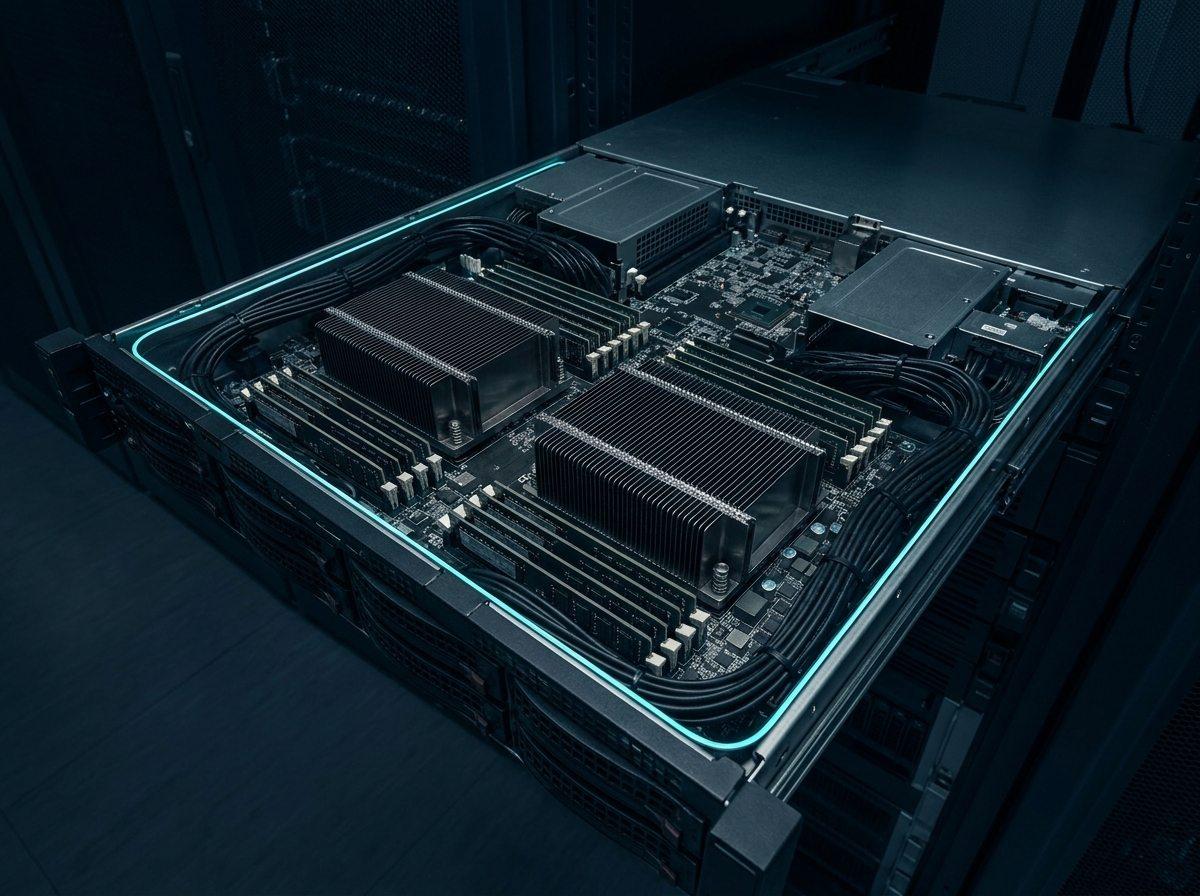
Choose the space you need
One price per gigabyte, no setup fee.
Size
From order to a disk ready on your server
- 1
Choose the size
Pick the size and how you pay, monthly or yearly.
- 2
Choose your server
At checkout, pick the Cloud VPS the storage will be attached to.
- 3
We attach the disk
Once paid, the disk is attached to your server automatically and we email you the details.
- 4
Format and use it
The disk arrives empty: format and mount it with the commands below, or in Disk Management on Windows.
Linuxlsblk                      # find the new disk, e.g. /dev/sdb
mkfs.ext4 /dev/sdb         # format it (first time only)
mkdir -p /mnt/data
mount /dev/sdb /mnt/data   # use it
Why add storage?
Backups
Keep database and file backups on a disk separate from the system disk.
Media and files
Images, video and uploads grow fast; give them a disk of their own.
Databases
Give your database room to grow without filling the system disk.
Logs and archives
Application logs and long-term archives in one tidy place.
A question before you order?
Our support team is available 24/7 to help you pick the right size and set the disk up once it is attached.
Frequently asked questions
Add the space your server needs today.
Choose a size, pick your server at checkout, and the disk is ready on your server once paid.